
AI support chatbot for SaaS
Answers product questions from your docs and help center, deflects repeat tickets and escalates real issues with full context.

An assistant that knows your product, your docs and each user's account. It answers support questions, guides onboarding and takes actions inside your app, without leaking data between tenants.
Your support queue tells the story. Half the tickets are how-do-I questions already answered in the docs. New users get stuck in the same setup step every week. Power users want answers about their own data, not a generic help article. An AI chatbot for SaaS handles all three: it answers from your documentation, walks people through onboarding and works with the data in each user's account.
The difference between a useful assistant and an embarrassing one is grounding. We use retrieval-augmented generation (RAG) over your help center, docs, changelogs and, where you want it, each customer's own records. Retrieval respects tenant boundaries and user permissions, so an answer is built only from content that user is allowed to see. When the assistant doesn't know, it says so and opens a ticket in Intercom or Zendesk with the conversation attached, instead of inventing an answer.
Good in-app assistants also do things. Ours can create records, change settings, generate reports or start a workflow by calling your API, with confirmation steps for anything destructive. Vikk's legal assistant shows the pattern at scale: RAG over a large knowledge base, document analysis, and a clean handoff to human lawyers, used by 120,000+ people in 30+ languages. For a smaller start, a focused chatbot like the one we built for CanVisas shipped in three weeks. Commify.ai, our own e-commerce SaaS, runs 24/7 AI chatbots for its merchants, so we know what running one in production involves.
Answers product questions from your docs and help center, deflects repeat tickets and escalates real issues with full context.
Lives inside your product, understands the screen and account the user is on, and helps them get the job done.
Guides new users through setup, imports and first actions, and nudges them when they stall.
Users ask questions about their own records, reports or documents in plain language and get answers with sources.
Answers pricing, security and feature questions on your site and qualifies trial users for your sales team.
Gives your support and CS teams fast answers from runbooks, past tickets and release notes.
Grounded answers from your docs, help center and customer data, with source links and refusal when content is missing.
Every retrieval is scoped to the user's tenant and permissions, so one customer's data never shows up for another.
The assistant can create, update and report, using the same authorization rules as the rest of your app.
Test sets of real questions run before each release, and production answers are sampled and scored.
Clean escalation into Intercom, Zendesk or your own support tool, with the conversation and context attached.
See what users ask, where the assistant fails and which docs need fixing, and update content without a redeploy.
Using something else? If it has an API, a database or a webhook, we can connect to it.
Routine how-do-I questions get answered in the product, so your support team works on real problems.
New users reach their first success sooner when an assistant guides them through setup.
A useful in-app assistant is a feature prospects notice in demos and trials.
Tenant isolation, audit logs and clear data handling answer the questions security reviewers ask.
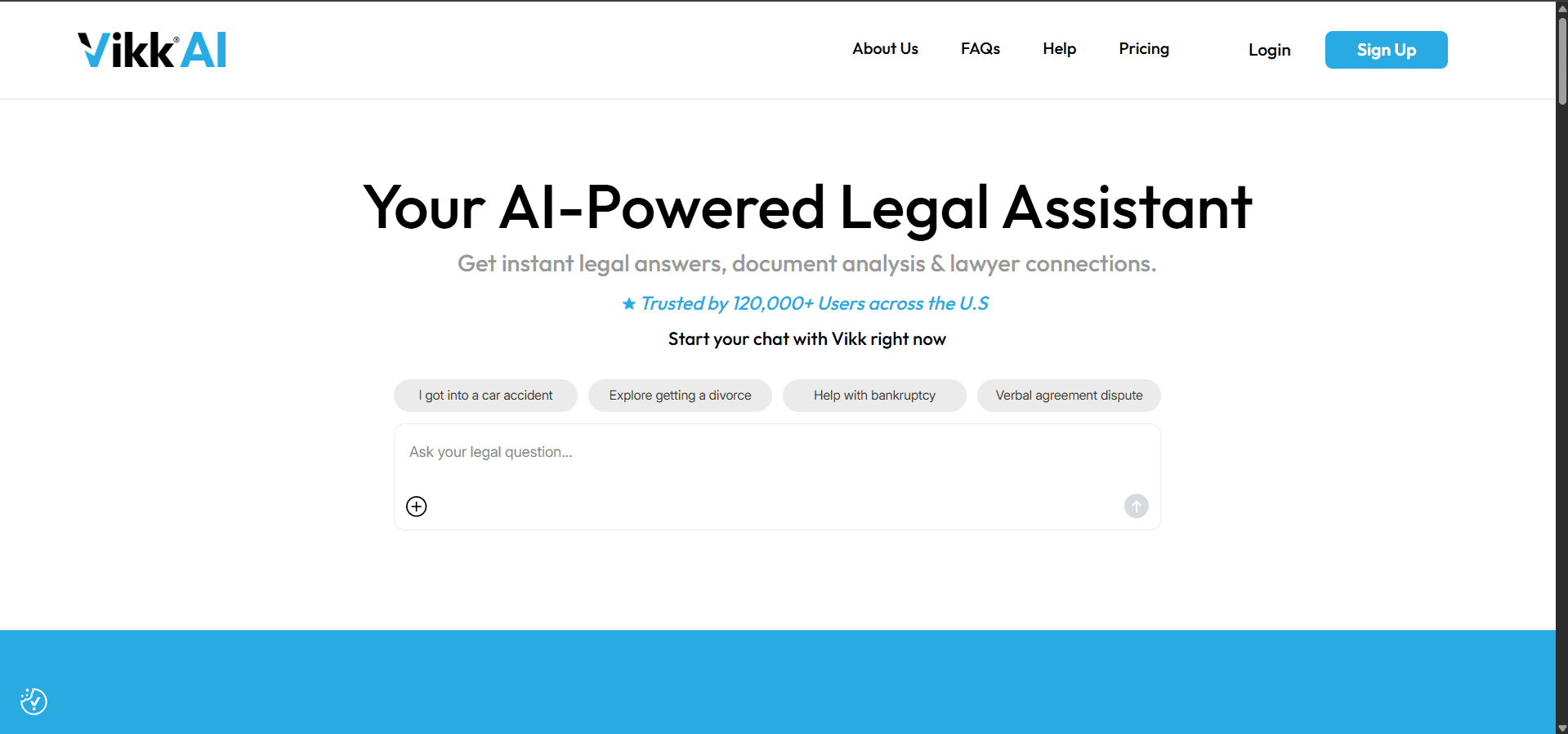
Vikk AI is a 24/7 AI-powered legal assistant that gives users instant, private legal guidance, analyzes their documents, and connects them with verified lawyers when needed. We helped build a conversational platform that delivers state-specific answers across dozens of legal categories and languages.
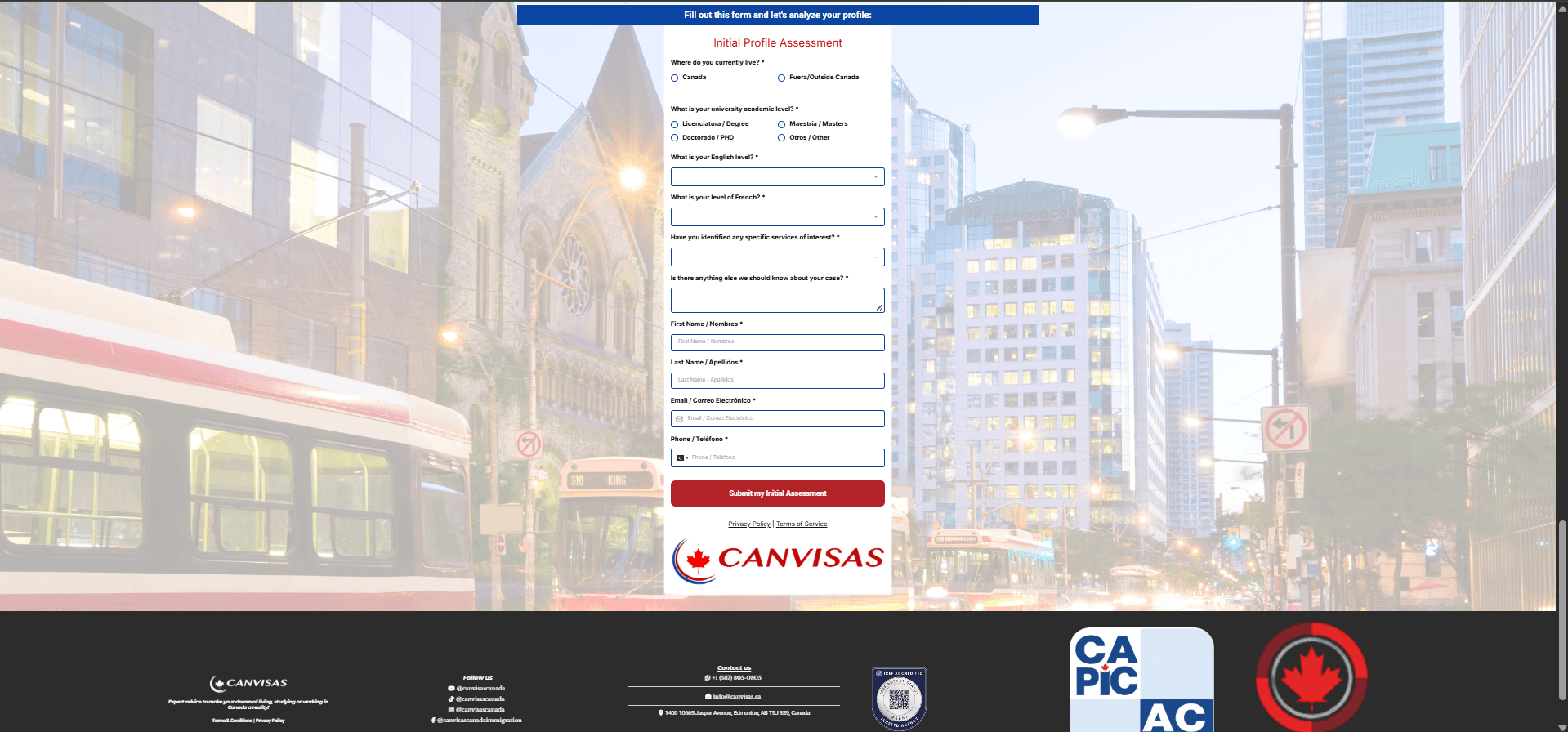
CanVisas AI is an intelligent chatbot that helps users check their eligibility for Canadian permanent residence through simple conversations. The chatbot asks pre-screening questions about immigration requirements and provides instant eligibility assessments. It qualifies leads by gathering important information before connecting them with the CanVisas team.
It's a chatbot built into your product that understands your features and the user's own account. It answers questions, guides people through tasks and can take actions through your API, rather than just linking to help articles.
Helpdesk bots answer from your help center, which covers support deflection well. A custom assistant can also work with each user's own data, take actions in your product and follow your exact rules. Many teams use both, and we integrate with your helpdesk either way.
By filtering at retrieval time. Every search is scoped to the user's tenant and role before any content reaches the model, and we test for cross-tenant leaks as part of the evaluation set.
Usually, yes. The impact depends on how many tickets are questions your docs already answer. We review a sample of your tickets during discovery and estimate what share is realistic to deflect.
It depends on your quality, speed and cost targets. We often route simple questions to a smaller, cheaper model and harder ones to a stronger model from OpenAI, Anthropic or Google, and keep the design provider-neutral so you can switch.
A focused support or onboarding chatbot can launch in a few weeks. Our CanVisas chatbot shipped in three. In-app actions, per-tenant data and enterprise controls add time.
Yes. The same backend serves your web app and a React Native or native mobile client, so answers and permissions stay consistent across platforms.
Real-time voice features for SaaS and apps: in-app voice assistants, AI phone agents for your customers, and voice AI MVPs.
Explore AI AutomationAI agents and workflow automation for support triage, customer success, revenue operations and internal SaaS operations.
Explore Custom AI DevelopmentAI MVP and AI SaaS development: LLM apps, RAG products, multi-agent systems and custom models, built by one team from model to UI.
Explore AI Data AnalyticsSaaS metrics dashboards, product analytics, churn prediction and AI usage and cost analytics built on Stripe, product events and your database.
ExploreSend us your docs and a sample of support tickets. We'll show you an assistant answering them from your own content.