
Legal intake automation
Turns web forms, emails and chatbot conversations into contacts, leads and draft matters in your practice management system.

Automate intake, conflict checks, document drafting, contract review and time capture. Your lawyers approve the output instead of producing it from scratch.
Look at a normal week in a law firm and most of the hours go to moving information around. An enquiry arrives by email, gets retyped into the practice management system and checked for conflicts. An engagement letter is copied from the last one and edited. A 60-page supplier agreement is read for the same ten clauses as always. Hearing dates are copied into calendars, documents are renamed and filed, and time entries are rebuilt from memory on Friday. Legal workflow automation takes these steps off your team and runs them the same way every time.
Older automation could only fill templates from clean form data. AI changes what is possible. Language models read emails, scanned letters, contracts and court notices, pull out names, dates, amounts and clauses, and put them into the right fields. AI document automation for law firms then assembles first drafts from your own templates and clause library. Contract review automation compares each agreement against your playbook and highlights what deviates. Every output is a draft or a suggestion, and a lawyer approves it.
We build around the systems you already use, such as Clio, Filevine, Smokeball, iManage, NetDocuments, Microsoft 365 and DocuSign, so nobody has to learn a new platform. Every automated step is logged, and access follows your matter permissions and ethical walls. We have built document workflows before: EzQanoon pairs a legal chatbot that summarizes PDFs with a case-management system, and for AA JoyLand we automated lead qualification and PDF delivery on WhatsApp. The same building blocks power law firm process automation.
Turns web forms, emails and chatbot conversations into contacts, leads and draft matters in your practice management system.
Extracts every party, related company and opposing counsel from a new enquiry and runs them against your records before acceptance.
Generates engagement letters, NDAs, demand letters and standard pleadings from your templates and the matter facts.
Extracts key clauses, compares them with your playbook and produces a review table with suggested redlines for the lawyer.
Reads incoming notices and orders, proposes calendar entries and tasks, and flags anything due soon for the responsible lawyer.
Suggests time entries from emails, calls and documents, and drafts pre-bills for partner review.
Contracts, letters, court orders and scanned bundles, not just clean form data.
Drafts follow your firm's precedents, house style and fallback positions.
Lawyers review, edit and approve drafts before anything leaves the firm.
Automations respect ethical walls and only touch the matters they are allowed to.
Every step records its input, output and approver, which supports supervision and file reviews.
Approved documents go out for signature through DocuSign and file themselves to the right matter.
Using something else? If it has an API, a database or a webhook, we can connect to it.
Lawyers and paralegals review and decide instead of retyping and reformatting.
First drafts and contract reviews come back in hours rather than days.
Dates and time entries are captured as documents arrive, not reconstructed later.
The firm grows its caseload without hiring at the same rate.
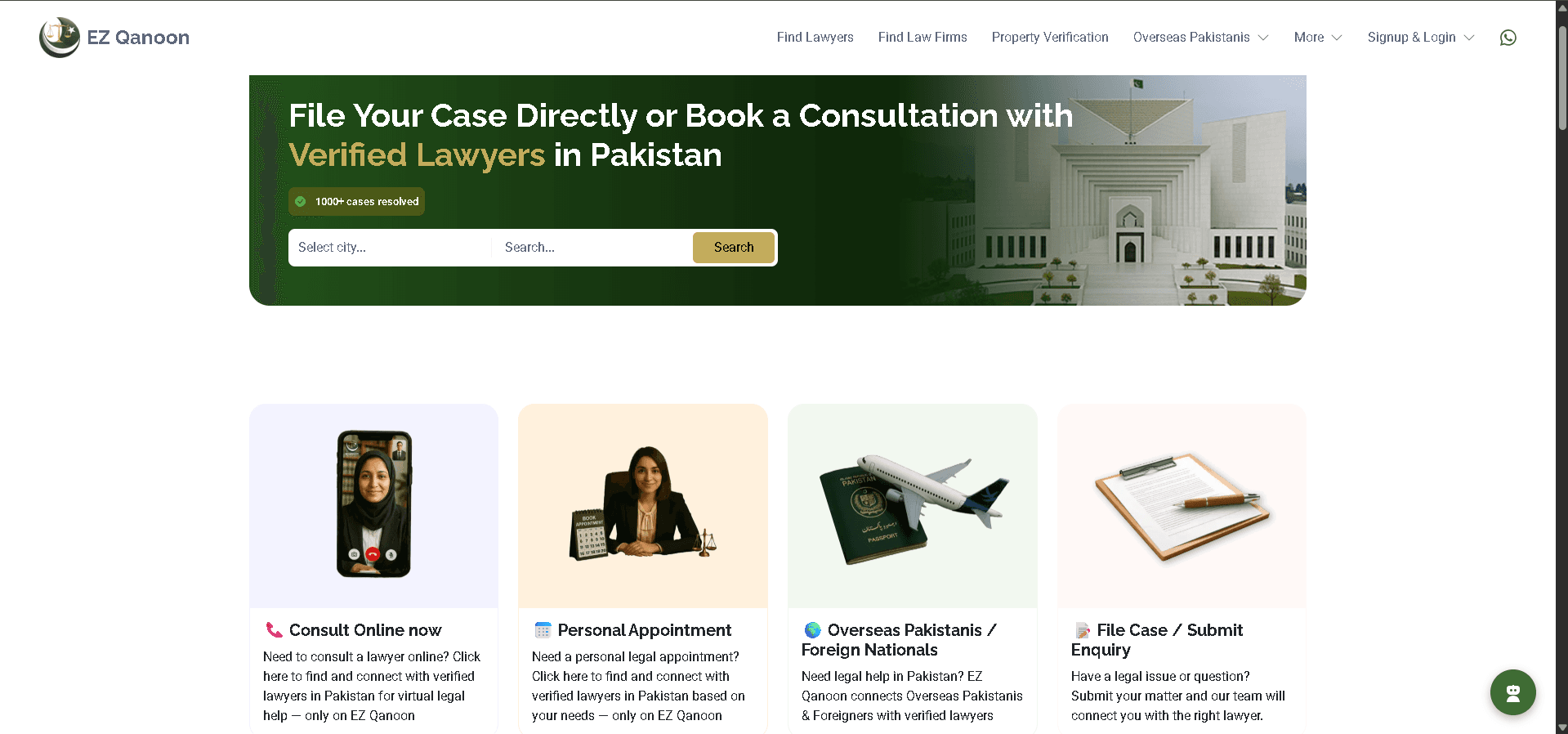
EzQanoon is an AI-powered legal assistant developed to revolutionize the way legal professionals manage their cases and research. The project aimed to provide a seamless experience by integrating a Generative AI chatbot with voice capabilities and an intuitive case management system (CMS). The chatbot was trained on Pakistan law data to offer accurate legal references, summarize PDFs, and respond to queries in English and Urdu.
AA JoyLand Entertainment required an AI-powered solution to handle customer inquiries and leads more efficiently. The project focused on developing a WhatsApp chatbot powered by Retrieval-Augmented Generation (RAG) with GPT, capable of managing leads, qualifying them, and saving lead data. The chatbot provided instant responses, sent PDFs upon request, and significantly enhanced customer interaction.
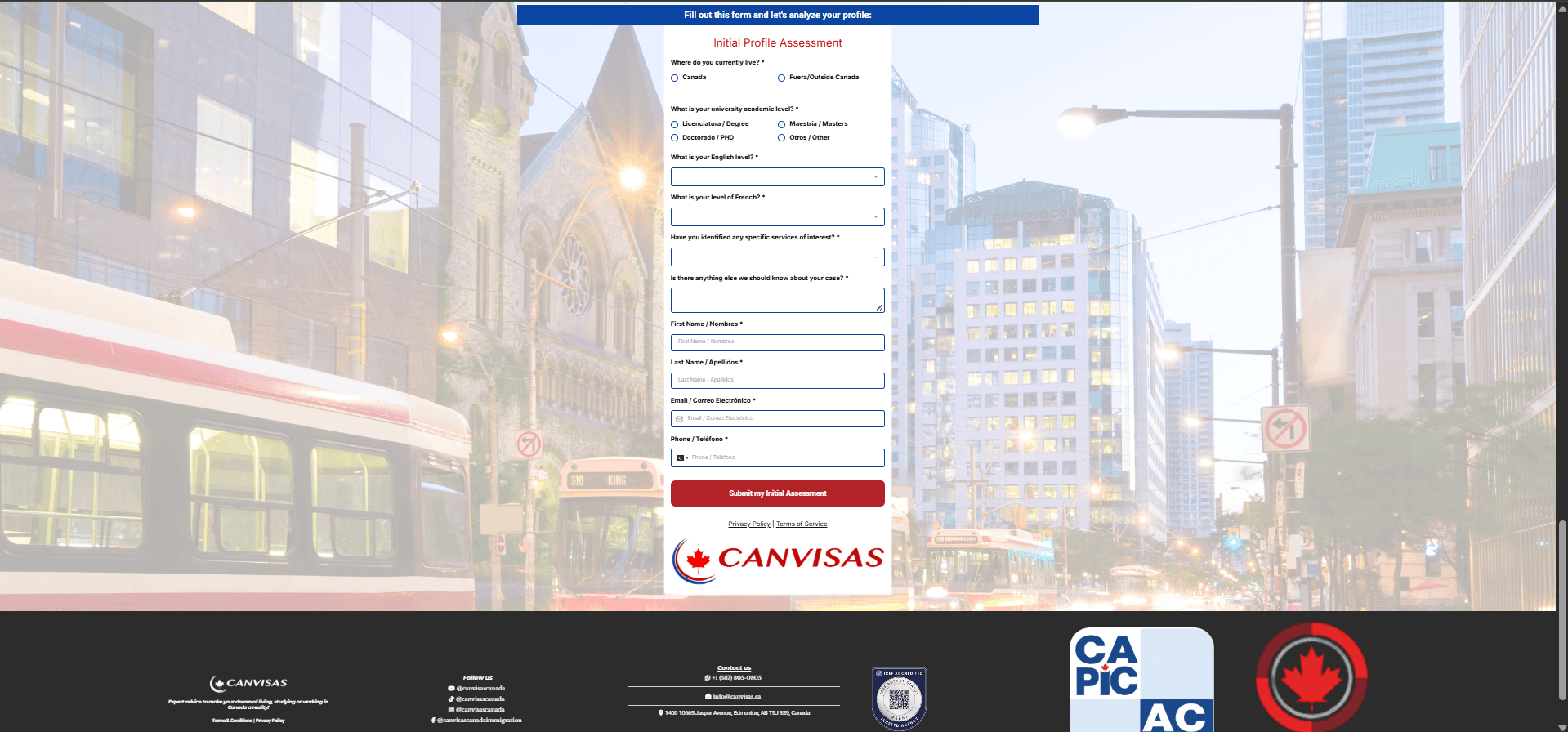
CanVisas AI is an intelligent chatbot that helps users check their eligibility for Canadian permanent residence through simple conversations. The chatbot asks pre-screening questions about immigration requirements and provides instant eligibility assessments. It qualifies leads by gathering important information before connecting them with the CanVisas team.
Intake, conflict-check preparation, engagement letters, first drafts, contract review, court notice handling, document filing, matter updates and time capture are the most common. Anything repetitive that follows your firm's rules is a candidate.
As a first pass, yes. It extracts clauses consistently and flags deviations from your playbook, but a lawyer reviews the output and makes the call. We tune it on your contract types and measure accuracy before go-live.
No. We automate around your existing practice management and document management systems through their APIs, so your team keeps working where it already works.
Only if you decide they should. By default, anything client-facing or filed with a court sits in an approval queue until a lawyer signs it off.
Data is encrypted, automations follow matter permissions and ethical walls, every action is logged, and we use AI providers that do not train on your data. We design for GDPR and the UAE and Saudi PDPL where they apply.
Usually with intake or one high-volume document type, such as NDAs or engagement letters. Savings show up quickly, and the same pipeline then extends to other workflows.
AI receptionists that answer every call, run structured legal intake, qualify by practice area and book consultations, including after hours.
Explore AI ChatbotsLegal intake chatbots and RAG-based AI legal assistants for websites, WhatsApp and client portals, grounded in your sources with lawyer handoff.
Explore Custom AI DevelopmentCustom legal AI: contract analysis tools, research assistants with citations, legal tech MVPs and AI features inside existing legal software.
Explore AI Data AnalyticsLaw firm dashboards, intake and pipeline analytics, litigation analytics and contract data extraction that turn practice data into decisions.
ExplorePick the workflow that eats the most fee-earner hours. We'll show you how it runs automatically with a lawyer signing off.